Compare PDF drawings
Compare revisions right on the sheet.
Open the new revision, compare it with the last one, and Stamppa marks what changed on the sheet you are reading, with no extra PDF to file. Then slip-sheet it in and keep your markups.
Installs on Windows 10/11 and Mac (Apple Silicon). Send yourself the link.
Free for 14 days with every feature, just your email, no card. If you don’t buy, it stays a free PDF viewer.
- Compare
- Live, on the sheet itself
- Whole set
- Compared and slip-sheeted at once
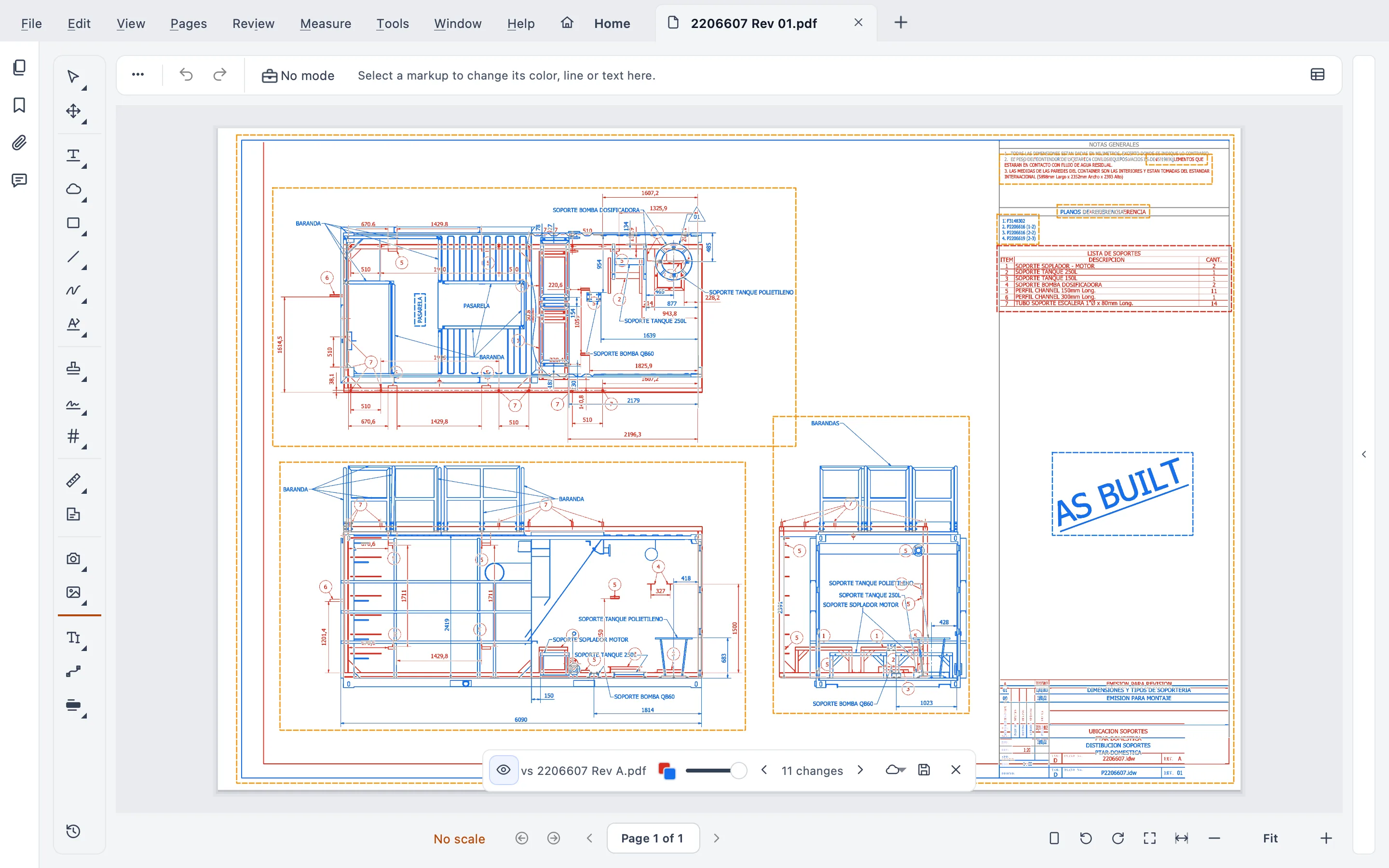
How it works
From new revision to updated set in three steps
Compare with the last revision
Open the new revision and compare it with the previous one. Nothing new is generated: the comparison is shown on the sheet you have open.
Step through the changes
Each change is clouded on the sheet, in one color for the old revision and another for the new. Go from one to the next, and compare the text too: words added, removed or changed.
Slip-sheet it into the set
Replace the old sheet with the new one and keep its markups. Got a whole new issue? Compare and slip-sheet the whole set at once.
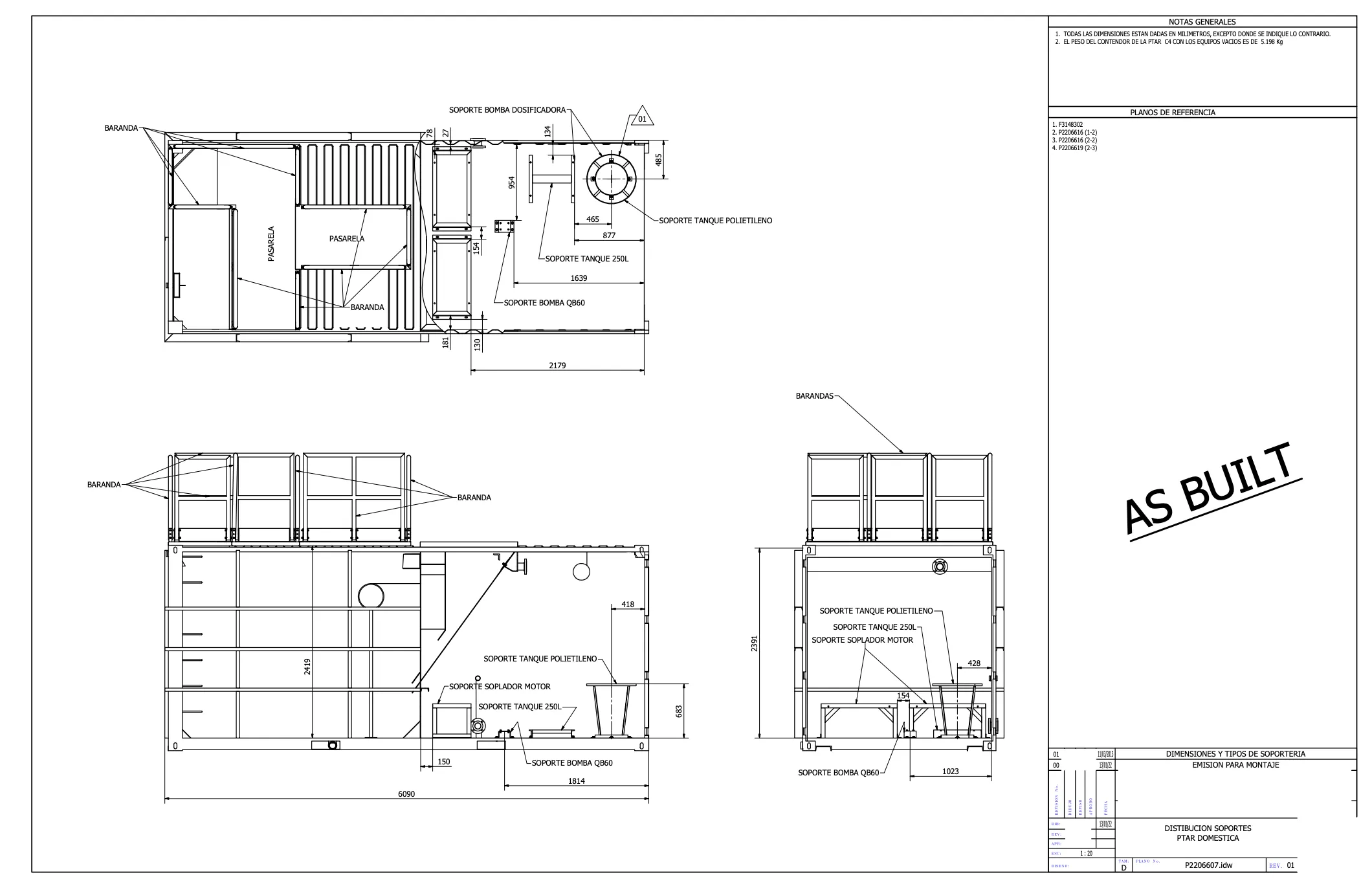
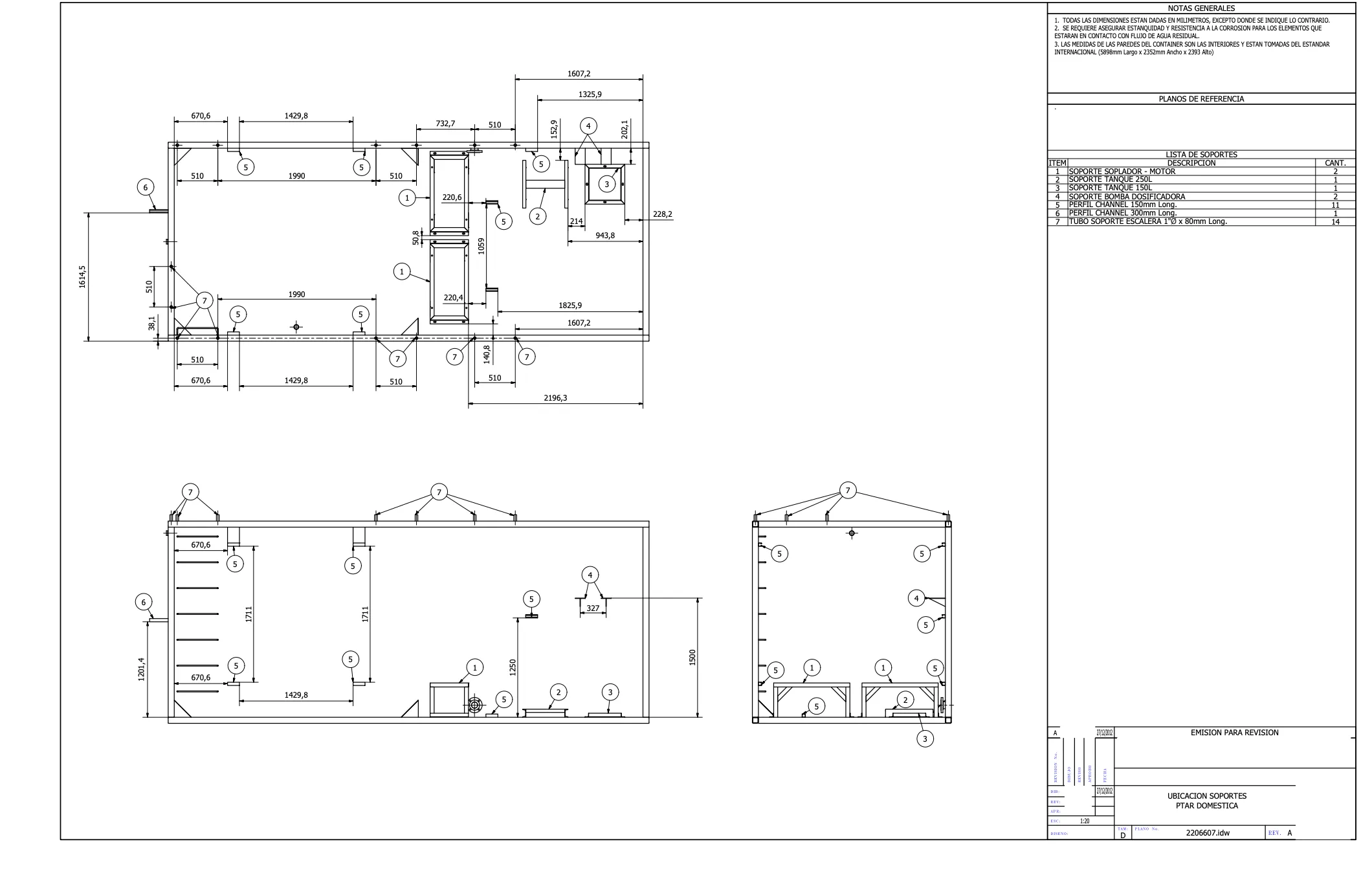
What it does
Compare drawing revisions without the paperwork
Find what changed, check the words as well as the lines, and keep the set current, all in the viewer.
Live Compare on the sheet
The differences appear on the drawing you are reading. No third PDF to name, file and keep track of.
Changes clouded
Every change is clouded in the color of its revision, and you step through them one by one.
Text compare
Words added, removed or changed between two revisions, for notes, schedules and title blocks.
A whole set at once
Compare a new issue with the last one and slip-sheet every sheet in one go, not sheet by sheet.
Replace a sheet, keep the markups
Slip-sheet the new revision in and your markups stay with the sheet.
On your computer
It works offline and never sends your documents, on Mac and Windows.
Check the set
Find what doesn’t add up before the set goes out
Review ▸ Check the set… (also a card in PDF Tools) reads every sheet of a set with fixed rules, no AI, and reports what does not match, so the contractor is not the first to find it.
The rules compare what is written on the sheets; they cannot tell whether the design itself is right.
Call-outs that lead nowhere
A call-out like 5/A-501 that names a sheet the set does not have, or a detail the sheet does not show.
Title blocks against the index
Titles and revisions that differ from the sheet index, sheets missing from the index or the set, and duplicate sheet numbers.
Scales and revision dates
A scale written on the sheet that is not the scale set on it, and revision dates that run backwards.
A report, and clouds if you want
Each finding says which rule it broke and can be marked fine. Save the report as PDF or CSV, and put clouds on copies of the sheets.
Coming from Bluebeam or Acrobat
Compare without leaving the sheet
Your drawings open with their markups, since they are standard PDF annotations, and the comparison is shown on the sheet itself instead of in another file.
And on a Mac: Bluebeam set the end of life of Revu for Mac on June 28, 2023. Stamppa compares natively on Mac and Windows, and works offline.
Stamppa as a Bluebeam alternativeBluebeam fact checked on October 22, 2026. Source: Revu for Mac end of life
What it costs
Every feature in every plan
Pay once a year and Stamppa 27 is yours forever, with every 27.x update, including the ones released after you cancel. It renews at your same price. There is a monthly plan too: after 12 months paid in a row, that day’s version is yours.
Prices in US$, excluding tax.Prices in euros, VAT included.Prices in pounds, VAT included.Prices in Swiss francs, VAT included.
Founder price · first 100 customers
Free for 14 days with every feature, just your email, no card.
Questions about comparing
Ask Gus anything elseHow do I compare two PDF drawings?
Open the newer revision in Stamppa and compare it with the older file. The changes are clouded on the sheet itself and you go from one to the next. No third PDF is created.
Does it compare the text too?
Yes. Text compare shows the words added, removed or changed between the two revisions.
Can I compare a whole set at once?
Yes. Compare a new issue with the previous one and slip-sheet the whole set in one go, instead of sheet by sheet.
Can it check a set before I send it?
Yes. Review ▸ Check the set… looks for call-outs to sheets or details that are not there, title blocks that differ from the sheet index, missing or duplicate sheets, scales and revision dates. The rules are fixed, with no AI, and the report comes as PDF or CSV, with clouds on copies if you want.
Do I lose my markups when I replace a sheet?
No. When you slip-sheet a new revision in, the markups stay with the sheet.
Does it run on a Mac and offline?
Yes. Stamppa runs natively on Macs with Apple Silicon and on Windows 10 and 11. It works offline and never sends your documents.
Compare your next revision in Stamppa
Free for 14 days with every feature. Try it on the last two issues of a real set.
Windows 10/11 · macOS (Apple Silicon)